
Mobile · 4 min read
Control AI on your Mac from your phone
Your Mac does the work. Your phone is the remote—browse, fill, copy, and send when you are ready.
You are in a meeting, on a commute, or away from your desk. You still want to queue research or kick off a weekly report. Your phone can open the library, fill a workflow, and copy a prompt — and when your Mac is online, send the job.
What works well on phone
- Browse My library and Marketplace
- Use a playbook — workflow stepper on small screens
- Copy prompt into ChatGPT or Gemini without a Mac
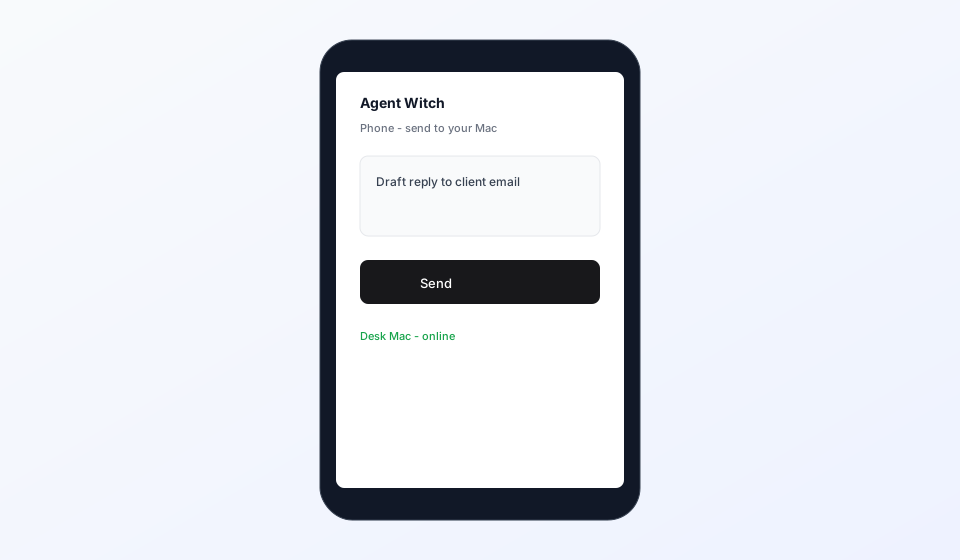
- Send a task when your browser is connected and your Mac agent is online
Phone as remote, Mac as engine
Your phone opens Library, fills the form, and sends the request. Claude still runs on a connected Mac with your files—think remote control and clipboard on the phone, engine on the Mac.