Start here · 3 min read
Your first agent task in 5 minutes
Set up your computer, send one job, and see it in history.
Your first win is small: describe a task, send it to your computer, see a record of the job. No marketplace tour required — just proof that the loop works.
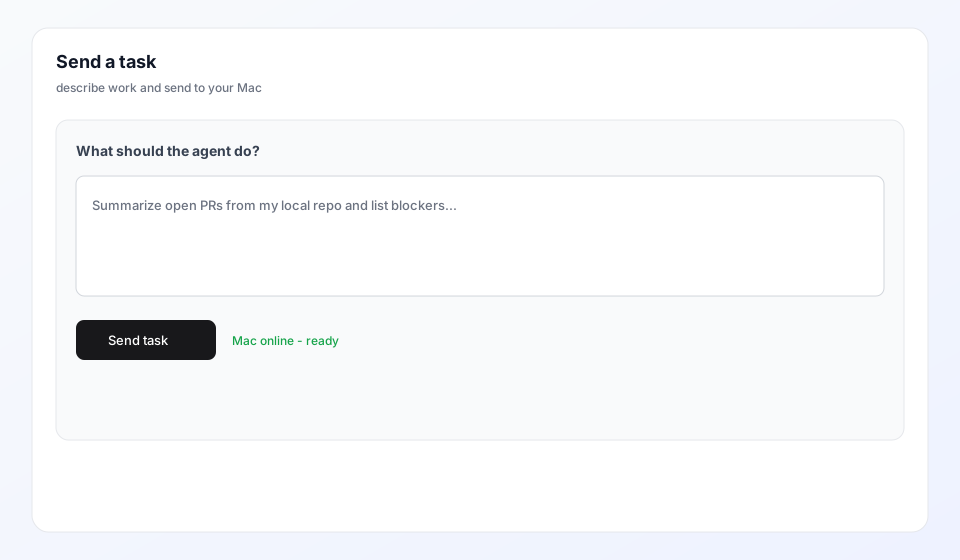
Step by step
- Sign in and open Home → Your setup to add your computer as a worker
- Open a project, choose New task, and write what you want done
- Press send — your computer runs the agent with your local context
- Open Reports in this browser to see status and output
If New task is blocked
The button stays off until this page is connected and your computer is online. That is intentional: we run on real machines, not a faceless cloud tab.