Workflows · 4 min read
Human checkpoints before the computer runs
You approve, upload, and send. The computer agent only sees a short summary.
Some work must stay human: approving a client proposal, uploading to a portal, or confirming budget before anything sends. Operator steps live in the browser checklist — not as files copied onto your computer — while Claude still runs locally for research and drafting.
What you see in the task composer
- An amber “Your steps” panel lists each checkpoint with full instructions
- Workflow fields still collect names, dates, and paths as usual
- Only checkpoint titles are appended to the computer prompt as a short summary
- Playbook files install to ~/.agent-witch; operator rules stay in the app
Example: freelancer client proposal preset
- Confirm brief and portfolio fit (you)
- Mac drafts scope, timeline, and pricing from your folders
- You approve before anything is sent
- You send through Upwork or email; the agent logs the pitch path
How this differs from manager approval
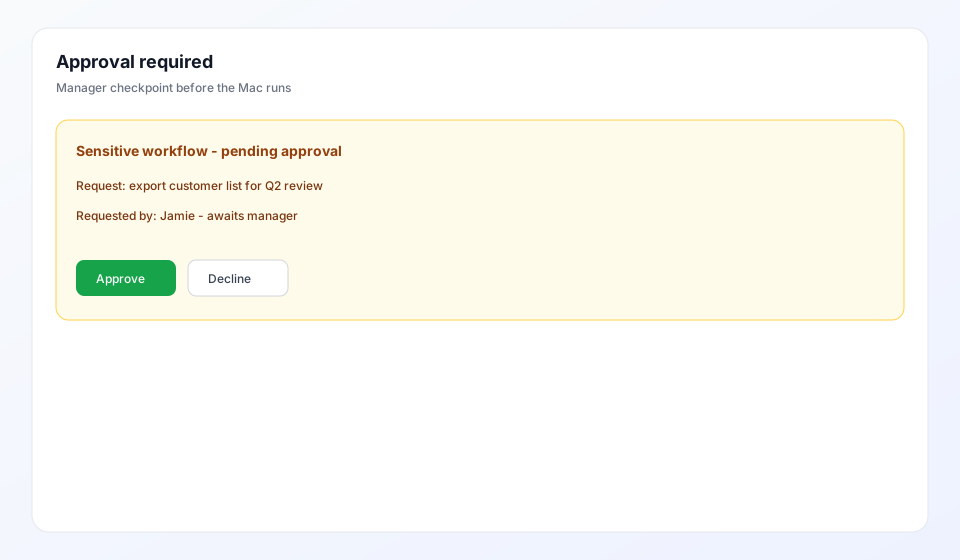
Operator steps are part of the playbook — they guide the person at the keyboard on every run. Company approval dispatch is a separate gate for sensitive jobs on someone else's Mac. You can use both: approval for governance, operator steps for human-only actions.
How checkpoints feel day to day
- Follow the browser checklist as you go through each human step
- Mid-run questions appear when the agent needs your answer
- Teammates see checkpoint titles in the prompt—your private passwords stay with you