Workflows · 4 min read
Schedule a workflow on your computer — not in the cloud
AgentWitch stores the plan; your computer runs it on time.
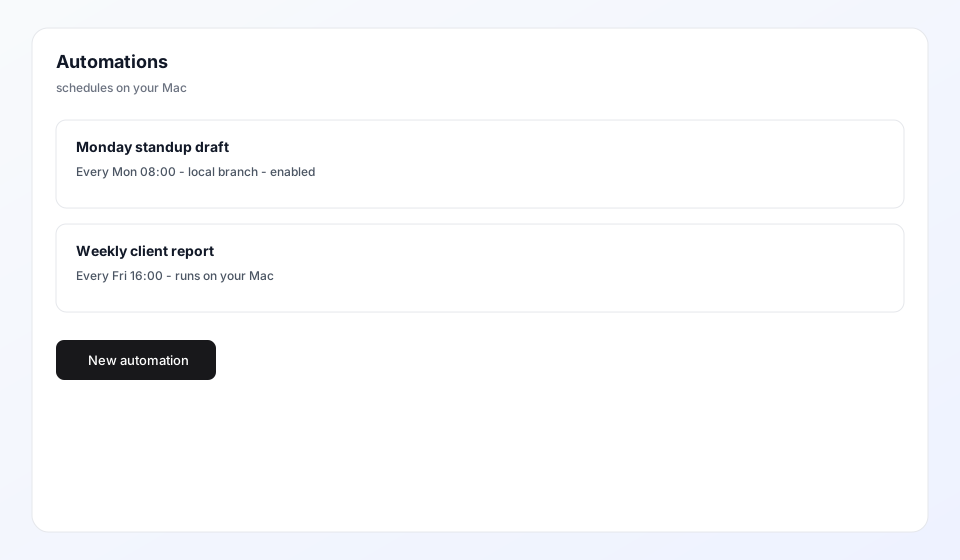
Recurring reports and standup prep should not depend on you remembering to open ChatGPT every Monday. Create an automation in AgentWitch, pick hourly/daily/weekday schedule, and your computer runs Claude on time.
How it works
- You define name, workflow, field values, and schedule in a project’s Automations tab
- AgentWitch syncs the job list to ~/.agent-witch on your computer
- com.agent-witch-automation-scheduler checks every minute and dispatches due runs
- Results land in Reports like any manual send
Webhooks (optional)
You can also create a webhook automation. The server accepts POST /api/automations/{id}/trigger, but execution still needs your computer online to run Claude on local files.
Built around your computer
- Your computer runs the schedule so jobs stay close to your local files
- When a run finishes, open Reports to review the result
- After an AgentWitch update, open a project’s Automations tab once so schedules stay in sync